
Best apps for living in Madrid, what locals actually use
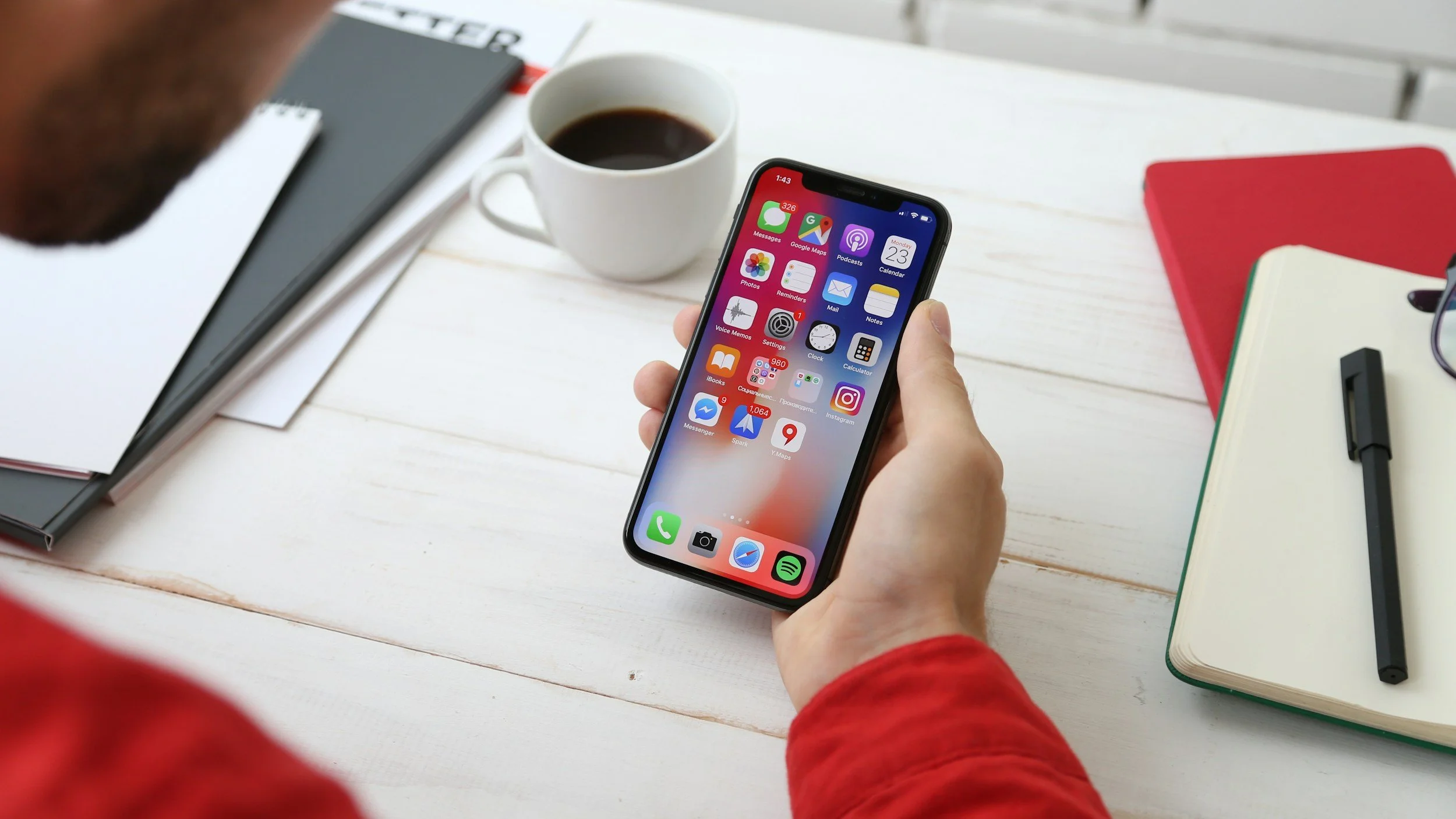
If you live in Madrid, your phone quietly becomes essential.
Not in a “life hacks” way.
More in a, “I need to get across the city, book an appointment, and not miss a fine,” way.
This is a practical list of apps people actually open, not just download and forget.
What this article is
A short, honest shortlist of apps that make daily life in Madrid easier once you’re past the tourist phase and into real routines.
Some are official Spain apps.
Some are just how things actually work here.
Who this is for (and who it isn’t)
This is for you if you:
live in Madrid or are settling in
commute by Metro, bus, Cercanías, bike, or all four
deal with admin, paperwork, or appointments
want fewer surprises and less friction day-to-day
You don’t need every app listed.
Most locals don’t.
The goal is to pick the right few for your life.
Set your phone up in 20 minutes (realistically)
If you want the fastest setup, do this:
Transport first
Metro de Madrid
EMT Madrid (buses)
Cercanías Renfe (if you commute)
Admin basics
Madrid Móvil
Mi Carpeta Ciudadana
Cl@ve
Life stuff
one ride-hailing app
one delivery app
one grocery app
That’s enough to function calmly.
Madrid, real life setup
The apps locals actually use (and why)
This isn’t a “Top 50 apps” list. It’s the small set that actually gets opened, and what to do inside each one.
Madrid transport
Metro de Madrid (official app)
- Check your route before you enter the station, signal can drop underground.
- Look for line status or incident updates if a route suddenly looks weird.
- If you’re in a rush, screenshot your route so you’re not stuck loading.
Madrid transport
EMT Madrid (buses)
- Save your most-used stops (home, work, gym). That’s the whole point.
- Use real-time arrivals, don’t rely on the schedule.
- If the Metro route is transfer-heavy, quickly check if a bus is faster.
Madrid transport
Renfe Cercanías
- Check disruptions before you leave your house, not once you’re at the station.
- If a line is acting up, plan a backup route (Metro + bus can be faster).
- Use it mainly for service info, not for “perfect planning”.
Madrid transport
BiciMAD
- Check bike and dock availability before walking to a station.
- If it’s peak time, check two nearby stations, not just one.
- Quick habit, glance at battery level before you unlock.
Madrid transport
CRTM transport card apps
- Before relying on NFC top-ups, confirm your phone and card are supported.
- If you’re unsure, do one test top-up at home first, not on a rushed Monday morning.
- Keep the CRTM instructions link saved, it answers most “why isn’t this working” problems.
Common problems (and calm fixes)
“I can’t log in anywhere.”
Set up Cl@ve first. Many systems assume you already have it.
“My info doesn’t show up in Mi Carpeta Ciudadana.”
That’s normal. Not all agencies sync properly yet. Check the original site if it’s urgent.
“Transport card stuff is confusing.”
CRTM uses multiple tools for different card types. Read the instructions for your exact card and phone model.
“BiciMAD stations are empty.”
Very common at peak times. Save backup stations in the app.
Good to know (things people learn late)
Apps here are often gateways to websites. Bookmark the official sites too.
If an app feels useless, keep it anyway. You might need it once a year, but that day matters.
Madrid admin works better mid-morning than first thing or late afternoon.
Expect Spanish. Even in apps.
Sources & transparency
All official apps and services linked above come from:
Ayuntamiento de Madrid
Comunidad de Madrid
Gobierno de España
Seguridad Social
DGT
Renfe / CRTM
This article also reflects lived experience from long-term residents.
If something stops working or changes, flag it. Spain changes quietly.
Read more

Spanish opening hours can feel confusing at first. This clear, real-life overview explains when shops, supermarkets, restaurants, and offices are actually open, what changes on Sundays and holidays, and how locals plan their days to avoid frustration.